
A customer asks ChatGPT if you are open on Sunday. It says you close at 5. You close at 9. Or it sends someone to the address you left two years ago.
Your first question is probably: where did it get that?
Short answer: from what the internet says about you. Here is how to make that story straight.
Where do AI assistants get a business's basic facts?
Not from a secret feed. Assistants draw on what is published about a business: your website, your Google profile, and the listings and directories that repeat your details.
That is a short list, and you control more of it than you think.
We are not going to claim to know the inner workings of any particular model. Nobody outside those companies can, and the details change. What stays true is simpler. If a fact about you is published, it can be found. If it is published five different ways, any of the five can show up.
Why do wrong hours and old addresses show up?
Because somewhere, a wrong version is still published.
Think about what happens over the years. You move. You change hours for summer. You add a Sunday. Each change gets made on the website, maybe on Google, and then you get busy. The old version stays on a directory nobody has logged into since 2019.
The assistant did not invent your old address. It found it.
So when an answer is wrong, treat it as a clue. Somewhere out there is a source saying the same wrong thing. Finding it is half the fix.
How do conflicting listings confuse AI answers?
An assistant looking for your closing time may find three answers. Your site says 9. A directory says 5. An old social page says "closes at 8 on weekends."
Now it has to pick, or blend, or hedge. None of those outcomes helps you.
Conflicts come in small forms too:
- "Street" on one listing, "St." on another
- Suite numbers present in one place and missing in another
- An old phone number on a single directory
- A business name with and without "& Bar"
Humans shrug at these. Machines matching records do not always shrug. Consistency is the cheapest insurance you can buy.
What should your website state in plain text?
Your website is the source you control completely, so make it the clearest one.
Put these in real, selectable text, on a page, where anyone can find them:
- Business name exactly as you want it written everywhere
- Full street address
- Phone number
- Hours for every day, including holiday exceptions
- A line on what you do and where you serve
Put them in the footer so they appear on every page. Give them a contact or location page too. Do not make a visitor, or a crawler, hunt.
If you want to see how your site is doing on the basics, our speed test is a quick place to start.
Why do hours buried in images or PDFs hurt you?
A beautiful graphic with your hours on it looks great. It is also a picture. Text inside a picture is hard to read reliably, for people using screen readers and for software alike.
The same goes for a menu PDF that holds your hours in a corner. Or a slider banner announcing "New hours!" that rotates away in four seconds.
The rule is simple. If a fact matters, it lives as text on a page. Use the image for atmosphere. Use words for facts.
PDFs are fine as a download. They are a poor home for the one thing a hungry person needs to know.
How does your Google profile fit in?
Your Google Business Profile is one of the most visible places your details live. Treat it as a second website that you must keep current.
Check these items:
- Regular hours for every day
- Special hours for holidays and events
- Address and pin location
- Phone number
- Website link pointing to the right page
Make sure every one matches your site word for word. When the profile says one thing and the website says another, you have manufactured the exact conflict that confuses answers.
Update both on the same day, every time. Make it a habit, like turning off the stove.
What does a restaurant that gets this right look like?
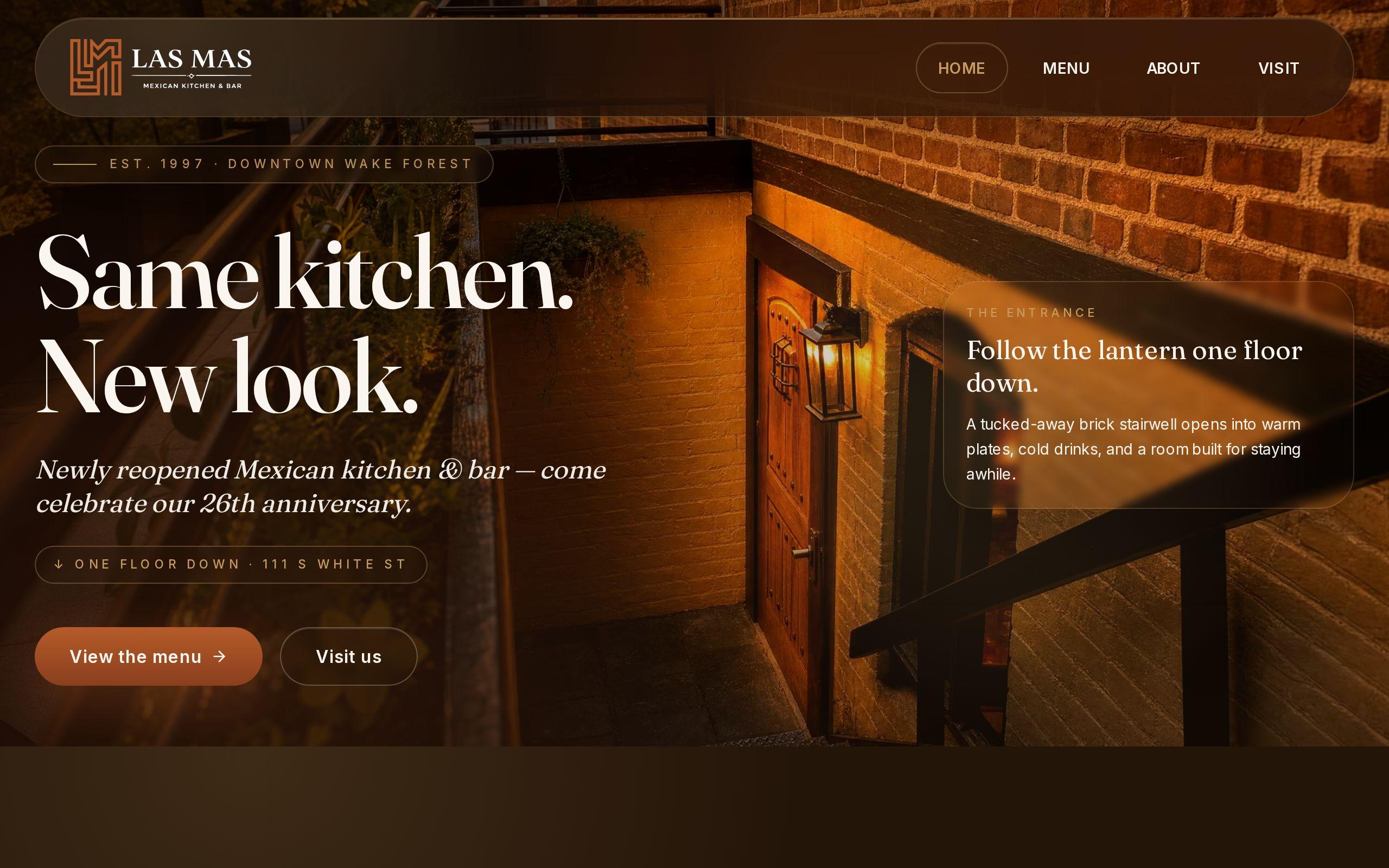
Las Mas Mexican Kitchen & Bar has served downtown Wake Forest for twenty-five years. That reputation is real. It still does not help a diner standing on the sidewalk if the phone cannot tell them when the kitchen closes.
When we built their site, the principle was blunt: menu, hours and location should be unmistakable. We put all three within one tap of every screen, because those are what a hungry visitor came for.
That design choice is good for people first. It also means the facts sit in clear, consistent, readable places, which is exactly what you want when anything, human or machine, goes looking.
Unmistakable is the standard. Your details should be impossible to misread.
How do you audit your details across the web in an hour?
You do not need software. You need a spreadsheet and sixty minutes.
- Write the master version. Name, address, phone, hours, website. Decide on exact spelling and format.
- Check your website. Footer, contact page, and any page mentioning hours.
- Check your Google profile. Compare line by line to the master.
- Search your business name and phone number. Note every listing that appears.
- Check the big directories and social profiles. Yelp, Facebook, Apple Maps, and any industry directory you know of.
- Fix the wrong ones. Start with the most visible.
- Log what you could not fix. Some listings need a claim or a request. Note them and come back.
If you want a hand with the ongoing work, that is part of our SEO and analytics service. But the audit itself is yours to run today.
How do you check what assistants say about you?
Ask them. Open ChatGPT and a Google AI answer and type what a customer would type.
Try questions like:
- "What time does [your business] close on Saturday?"
- "What is the address of [your business] in Raleigh?"
- "Is [your business] open on Sunday?"
Write down what comes back. If an answer is wrong, look for the source of the error using your audit list. Fix it there.
Answers can vary from one asking to the next, so repeat the check now and then. Once a quarter is a fair rhythm, and right after any change in hours or location.
Your next step
Before you close this tab, open your Google profile and your website footer side by side. Do the hours match exactly?
If they do, move on to the audit. If they do not, fix that first. It will take five minutes, and it is the most useful five minutes in this whole post.