
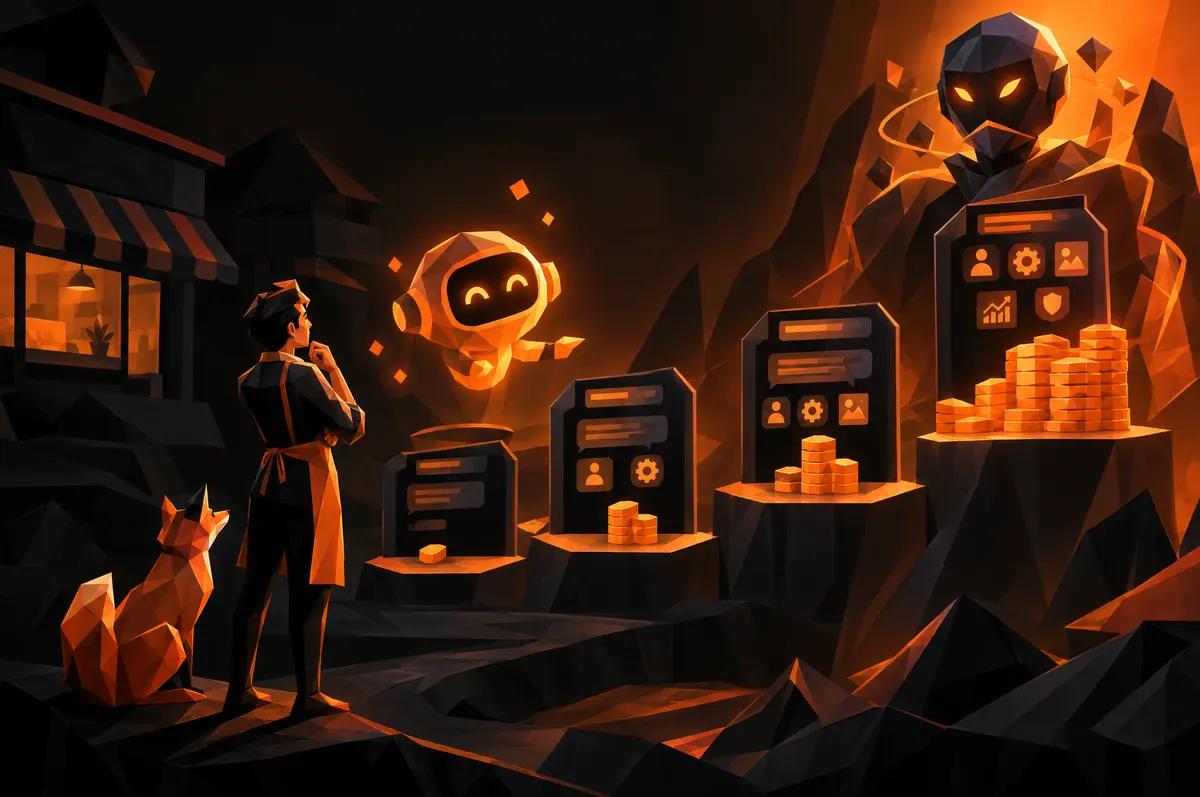
Ask five agencies what a chatbot costs and you'll get five different numbers. That's not because anyone's padding the quote. It's because "chatbot" describes a dozen different products wearing the same name.
A widget that answers "what are your hours" is a chatbot. A system that checks your calendar, quotes a price based on your service list, and books the appointment is also a chatbot. The first might run you $20 a month. The second can run into real project money. Same word, completely different builds.
Before you ask for a quote, it helps to know which one you're actually asking for.
Why 'How Much Does a Chatbot Cost' Depends on What It Actually Does
The honest answer to "what does a chatbot cost" is another question: what do you need it to know, and what do you need it to do once it knows it?
A bot that answers from a fixed script costs little because there's little to build. A bot that reads your actual site content, your service pages, your FAQ, and answers in your voice, costs more because someone has to set that up and test it. A bot that also books appointments or pulls customer records costs more still, because now it's touching systems where a mistake actually matters.
Think of it as three separate cost drivers stacked on top of each other: the base widget, the training and content work, and the integrations. Most quotes bundle all three into one number. It's worth asking your agency to break them apart.
What Does an Off-the-Shelf Chatbot Widget Cost?
The cheapest option is a subscription-based chat widget you drop onto your site. These typically run somewhere between $20 and $200 a month depending on the vendor and how many conversations you need.
What you get: a chat bubble, some canned responses, maybe a lead capture form behind it. What you don't get: anything that understands your specific business unless you spend hours feeding it answers yourself.
This is a fine starting point if your main goal is capturing after-hours leads with a simple "leave your name and number" flow. It's a poor fit if visitors are asking real questions about your services, your pricing, or your availability, because the bot won't have real answers.
What Drives the Price of a Custom-Trained AI Chatbot?
A custom-trained assistant is a different project entirely. Instead of canned scripts, it's trained on your actual content: your service pages, your pricing structure, your policies, your FAQ. When a visitor asks something specific, it answers with your information instead of a generic deflection.
The cost here comes from three places:
- Content preparation. Someone has to organize what the bot should know and make sure it's accurate and current.
- Prompt and behavior design. Getting the bot to sound like your business, stay on topic, and know when to hand off to a human takes real iteration.
- Testing. A bot that gives one wrong answer to a customer is a liability, so this step isn't optional.
This is the tier where most small businesses land if they want a chatbot that actually represents them well. It's also the tier where "it depends" quotes come from, because content volume and complexity vary a lot business to business.
Does the Chatbot Need to Connect to Booking or Your CRM?
Here's the line item that moves the price the most. A chatbot that just talks is one project. A chatbot that checks your real calendar, books a real appointment, or looks up a customer's order in your CRM is a different kind of project, because now it needs to talk to other software reliably.
This work involves connecting to your booking platform's or CRM's API, handling what happens when something fails partway through, and making sure the bot never overbooks a slot or exposes data it shouldn't. None of that is exotic, but it is real engineering, and it's usually the biggest single cost driver in a custom chatbot build.
If your goal is "reduce the phone calls we get asking to book," this integration is often the whole point of the project, not an add-on. Budget for it accordingly rather than being surprised by it later.
How Much Does Ongoing Maintenance and Retraining Add to the Cost?
A chatbot isn't a one-time purchase. Your services change, your prices change, your hours change around holidays, and the bot needs to know all of it or it starts giving customers wrong information with total confidence.
Ongoing costs typically cover:
- Updating the bot's knowledge when your offerings or policies change
- Reviewing conversation logs to catch places where it's confused or unhelpful
- Adjusting for new questions customers start asking that it wasn't trained on
Some vendors fold this into a monthly subscription. Others charge for it as needed. Either way, ask about it before you sign anything. A bot that was accurate at launch and never touched again tends to drift into being wrong in ways nobody notices until a customer complains.
Is a Cheap Chatbot Actually Worse for Your Business Than No Chatbot?
Sometimes, yes. A chatbot that confidently gives a customer the wrong price, the wrong hours, or the wrong answer about whether you serve their area does more damage than an empty chat window would have.
No chatbot means a visitor emails you or calls, and you clear up the confusion yourself. A bad chatbot means the visitor never realizes they got a wrong answer, and you find out when they show up expecting something you don't offer.
This isn't an argument against cheap chatbots. It's an argument for matching the tool to the job. If you're only using it to capture a name and number after hours, a basic widget is genuinely fine. The trouble starts when a basic widget gets asked questions it was never built to answer correctly.
How Should a Small Business Budget for This Decision?
Start with the job, not the price tag. Write down the three or four questions your customers actually ask most, whether by phone, email, or your contact form. That list tells you what the bot needs to know.
Then be honest about whether booking or account lookups are part of the goal. If they are, budget for the integration work as its own line item, because it usually costs more than the bot itself.
Finally, ask what happens six months from now. A chatbot with no plan for updates is a chatbot you'll be replacing sooner than you'd like. Build the maintenance conversation into the budget from the start instead of treating it as a surprise renewal fee.
If you want a sense of where your site's current setup stands before you add anything new, a speed test is a quick way to see how your site performs today.
What Questions Should You Ask Before You Pay for a Chatbot?
Before signing anything, ask the agency or vendor:
- What exactly is the bot trained on, and who keeps that current?
- What happens when it doesn't know an answer? Does it guess, or hand off to a human?
- Does it need to integrate with booking or a CRM, and is that priced separately?
- What does ongoing maintenance cost, and what's included in it?
- Can you see example conversations before it goes live on your site?
If an agency can't answer these clearly, that's information too.
Next Step
If you're trying to figure out whether your business needs a simple widget or a fully trained assistant tied into booking, that conversation is easier with someone looking at your actual site and your actual customer questions. Forzur's AI & Automation work covers both ends of that range. Get started with a conversation about what your chatbot would actually need to do, and the budget will follow from that.