
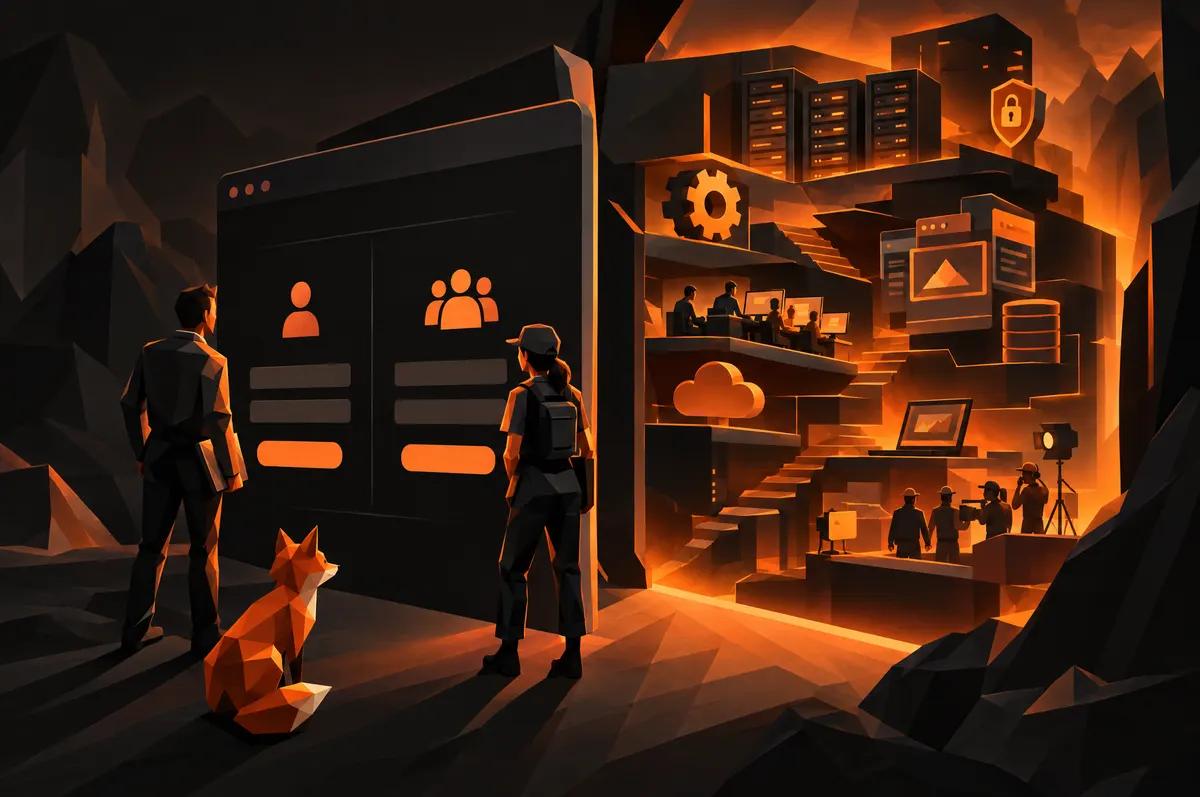
You want your office to sign in and see one thing. You want your field crew to sign in and see another. Then you search for what that costs and find nothing but vague answers.
Here is why. The price is not in the login. It is in what the login opens. This post walks through the cost drivers so you can read a quote and know what you are paying for.
What does a website with staff logins actually include?
Two things, and people mix them up.
The first is the public website. Your customers see it. It sells your work and takes requests.
The second is the back office. It lives behind a sign-in and is only for your people. It is where your team edits pages, reads incoming requests, prices jobs and manages photos.
When someone asks how much a website with staff logins costs, they are really asking about the second thing. The public site has a price you already understand. The back office is where quotes diverge by a wide margin, because no two businesses need the same tools back there.
Sign-in is the small part; what sits behind it drives cost
Letting a person prove who they are and stay signed in is well-understood work. Any competent developer can do it.
The cost comes from the questions that follow:
- What can each person see?
- What can each person change?
- What happens to the work they do?
- Who is responsible when something goes wrong?
Think of a building. The front door lock is cheap. The rooms behind it are the project. A login with nothing behind it is a lock on an empty room.
So when you collect quotes, stop comparing the login line. Compare the rooms.
Separate views for the office and for the crew
This is the part that surprises owners. "Each sees only their part" sounds like one feature. It is really a decision made once for every screen and every piece of data.
For A New Leaf Painting, we built sign-ins for the office and for the crew that each see only their part. The owner, Thomas Drake, runs a painting company with people in two different roles. Neither role needs the other's tools, and neither should be wading through them.
Every extra role adds cost in a predictable way. Each tool has to be checked against each role. More roles mean more checking.
Our position: start with two. Office and crew covers most contractors. Add a third only when someone actually asks for it.
A page builder that keeps every version
A page builder lets someone on your team edit the website without calling a developer. It sounds simple. The price depends on how careful it is.
The back office we built for Thomas lets him edit any page and keeps every version. That second half is the valuable half, and it is not free.
Without kept versions, one bad edit overwrites the good page. Someone deletes a paragraph, saves, and the old words are gone. With kept versions, you open the history and go back.
Ask any developer quoting a page builder one question: "When an edit goes wrong, how do we undo it?" If the answer is "be careful," the price is low for a reason.
A leads inbox that stores requests before passing them on
Plenty of contractor sites send a form straight to an email address. If that email fails, the request can vanish. Nobody knows it existed.
A leads inbox works differently. It stores each request first, then passes it along. At A New Leaf Painting, the inbox keeps each request before it reaches the follow-up system the office already used.
That order matters. A homeowner who asked for an estimate is not a number to lose. If the follow-up system has a bad hour, the request is still sitting in your inbox.
This costs more than a form that sends an email. It also costs far less than the first estimate you never knew you lost.
Turning a spreadsheet pricer into a screen
Many contractors price jobs from a spreadsheet built over years. It holds their rules, their margins and their instincts. It also lives on one laptop and breaks when the wrong cell gets overwritten.
At A New Leaf Painting, Thomas's own job pricer was rebuilt as a screen in the back office. It is his pricing, not a generic calculator.
This is the line item most likely to swing a quote. The work is not drawing the screen. The work is learning how you actually price, then reproducing it faithfully. A developer who has not asked to see your spreadsheet cannot give you an honest number for it.
Hand it over early. It saves everyone from guessing.
Does a media library earn its own line?
Painters, roofers and remodelers take a lot of photos. They pile up in phones and shared folders.
A media library gives your office one place to upload, find and reuse images across the site. It is the smallest tool on this list, and it makes the others more useful. A page builder is only pleasant when the photos are easy to reach.
Price it as its own line. If the budget is tight, it is a sensible one to add second.
Build custom or buy a tool: where each wins
Here is a straight answer.
Buy a tool when the job is generic. Email, invoicing, scheduling and payroll are solved problems. Pay a monthly fee and move on. Building these yourself is a waste.
Build custom when the tool is how you win. Your pricer is your pricing. Your lead handling is your first impression. Your page editing needs to match the site you actually have. Off-the-shelf tools make you bend to their shape.
The trade is monthly cost against up-front cost. A bought tool is cheaper on day one and keeps charging. A custom tool costs more on day one and is yours. For a business that plans to be around a long while, custom often comes out ahead on the things that matter most.
Our custom web development page covers how we work, and our Raleigh web development page is the place to start if you are in the Triangle.
What to ask for in a written quote
Do not accept a single total. Ask for these:
- Each tool as its own line. Page builder, leads inbox, pricer, media library. Priced separately.
- The roles, named. Which sign-ins exist, and what each one sees.
- Version history, stated. Does every page edit keep its earlier version?
- Lead handling, spelled out. Where does a request go the moment it is submitted, and what if the next step fails?
- Who owns it. Do you get the code and the data if you leave?
- What is not included. Ask for this in writing. It saves arguments later.
- What happens after launch. Who fixes things, and how fast?
A quote that answers all seven comes from someone who has built this before. A quote that dodges two or three is telling you something.
Your next step
Write down the three things you wish your office and your crew could do from a screen tomorrow. Then send that list, along with your pricing spreadsheet if you have one, through our get started page. A real list gets you a real quote.