
Most contractor websites are launched and then slowly abandoned. Not because the owner stops caring. Because changing anything means an email, a wait and a small invoice.
We built the opposite for A New Leaf Painting Contractors. The public site is the part customers see. Behind it sits an office the owner runs himself. If you are shopping for a custom CMS and back office for a contractor website, this is what that looks like in practice.
Why did a painting contractor with hundreds of pages need an office behind the site?
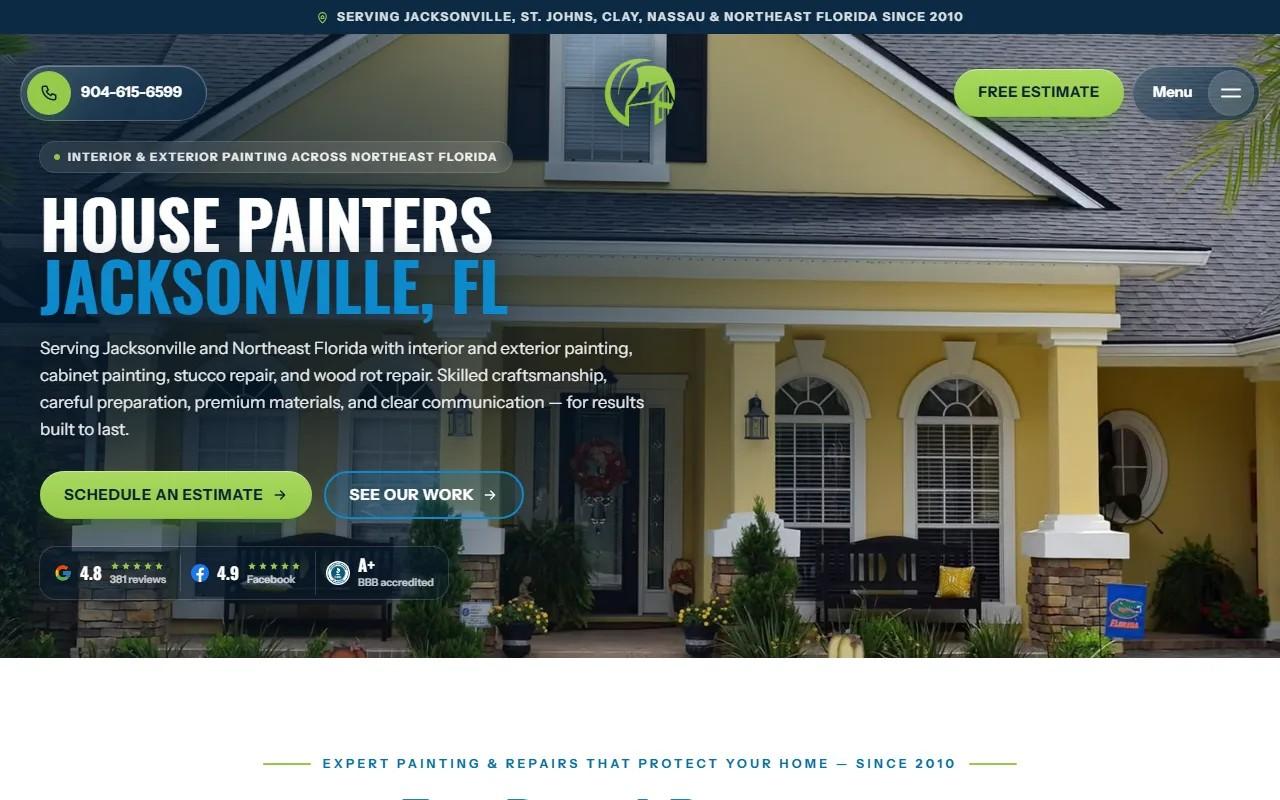
A New Leaf has painted homes and businesses across Jacksonville and Northeast Florida since 2010. The site grew with the company: hundreds of blog posts and paint guides, video stories from customers, and a page for nearly every town the crews work in.
That is a lot of surface area for one owner, Thomas Drake, to keep honest.
The site had also just survived a botched platform move. Old addresses had been sent to the homepage and pages were missing. We covered that repair separately. The full case study has the details.
Fixing the site once was not enough. If the next change went wrong, the same damage could come back. So the brief grew a second half: give him the controls.
What goes wrong when only a developer can edit a contractor website?
Three things, in order.
- Small fixes wait. A new phone number, a seasonal offer, a corrected paragraph. Each one sits in someone's queue.
- Owners work around the site. Updates move to social posts and email, while the website quietly goes stale.
- Changes become scary. When every edit needs a developer, every edit feels high stakes, so nobody makes them.
A contractor in Raleigh faces the same trap. You are on a roof or in a client's kitchen, not in a ticketing system. A site you cannot touch is a brochure that ages.
How does a page builder with every version kept protect hundreds of pages?
Thomas can edit any page himself, from a service page to a town page to a single blog post. That is the page builder.
The detail that matters is the one he does not see until he needs it: every version is kept. Edit a page, publish it, change your mind a week later, and the earlier version is still there.
That changes how an owner behaves. With no undo, people edit nervously or not at all. With every version saved, they edit like it is a document, because a mistake costs a few clicks instead of a phone call.
On a site of this size, that safety net is the difference between a tool he uses and a tool he avoids.
Why should a leads inbox store each request before it passes it on?
On the public site, booking is one form. A homeowner picks one of Thomas's real open times or asks for a call. The request then lands in the follow-up system his office already ran.
The office sits in the middle of that path. The leads inbox stores each request first, then passes it on.
Why that order? Because hand-offs fail. A connected system goes down, a setting changes, an email lands in spam. If the request only exists in transit, a failure means a lost customer and nobody knows.
Stored first, the request exists no matter what happens next. The owner can open the inbox, see everyone who asked, and confirm none went missing.
For a business that lives on estimates, that is not a nice extra. It is the part you would defend hardest.
What happens when you rebuild a job pricer as a screen?
Thomas already had a way of pricing jobs. It was his own, built from years of knowing what painting work really takes.
We rebuilt it as a screen in the office. His method, on his own site, behind his own sign-in.
The point is ownership. When pricing logic lives in a developer's code, the owner has to ask permission to touch his own numbers. When it is a screen, it is a business tool like any other. He opens it, uses it and keeps it his.
If you have a spreadsheet or a process that only you understand, that is a candidate. The question to ask is simple: would this be more useful if it lived where the rest of the business lives?
How do separate sign-ins let the office and the crew each see only their part?
The office and the crew each get their own sign-in. Each sees only their part.
That sounds like a security footnote. It is really about focus and trust.
- Office staff need leads, pages and pricing.
- Crews need what applies to their work, and nothing that invites a wrong click.
- The owner does not have to hand over everything to hand over something.
Giving a person the whole back office when they need one corner is how accidents happen. Splitting access means more people can use the system, and fewer can break it.
Why keep business facts in one place so hundreds of pages cannot drift apart?
Here is a quiet failure on big sites. The founding year appears on the about page, in a blog footer and in search markup. Someone updates two of the three. Now the site disagrees with itself.
At A New Leaf, every business fact comes from one source. That includes the founding year on the state record and the insurance limit. The review figure works the same way: it comes from one place, so every page and its search markup agree.
Change it once and hundreds of pages follow. Customers see consistent claims. Search engines see consistent markup. And nobody has to remember which pages mention the number.
A media library supports the same idea for photos and video. Images live in one organized place instead of scattered across pages.
What should you ask for when a developer offers to build you a back office?
You do not need a long spec. You need straight answers to a few questions.
- Can I undo my own edits? If the answer is no, you will be afraid to use it.
- Is every customer request saved before it goes anywhere else? If not, you can lose leads silently.
- Can my own methods, like pricing, live in it? Otherwise you are renting your own process.
- Can different people see different things? One shared login is a risk, not a feature.
- Do shared facts live in one place? Ask how a change to your phone number or license reaches every page.
If you want to see the kind of work behind answers like these, our custom web development page covers how we approach it, and our contractor website design page speaks to the trade directly.
What is the one thing to do this week?
Open your own site and try to change one sentence on one page, without calling anyone. Time it. If you cannot do it, or you would be nervous to, you have found your real brief. Write down what stopped you, and bring that list to your next conversation with a developer. Or start with us and we will go through it together.