
You want customers to pay by card without you chasing them. Fair. Here is how to get there this week, in the order that avoids rework.
Do you need online payments, or is a payment link enough?
A payment link is a fine start. You send it by text, the customer pays, done.
It stops being fine when you notice the spreadsheet. Someone paid but you cannot tell for what. Someone cancelled and you are not sure whether you refunded them. Someone says they bought three sessions and you only remember two.
Here is our position. If you take payments a handful of times a month, use a link and move on. If payments are part of your weekly rhythm, build the checkout into your site. The link is a payment. A checkout is a system.
Decide what customers are actually buying
Before you pick any tool, answer one question. What is the thing being paid for?
There are really three options:
- A single visit. One appointment, one price. Simple, but customers pay again every time.
- A bundle. Several sessions bought together. Fewer payments, and customers who have already committed.
- A deposit. A small amount now to hold a date, with the balance later.
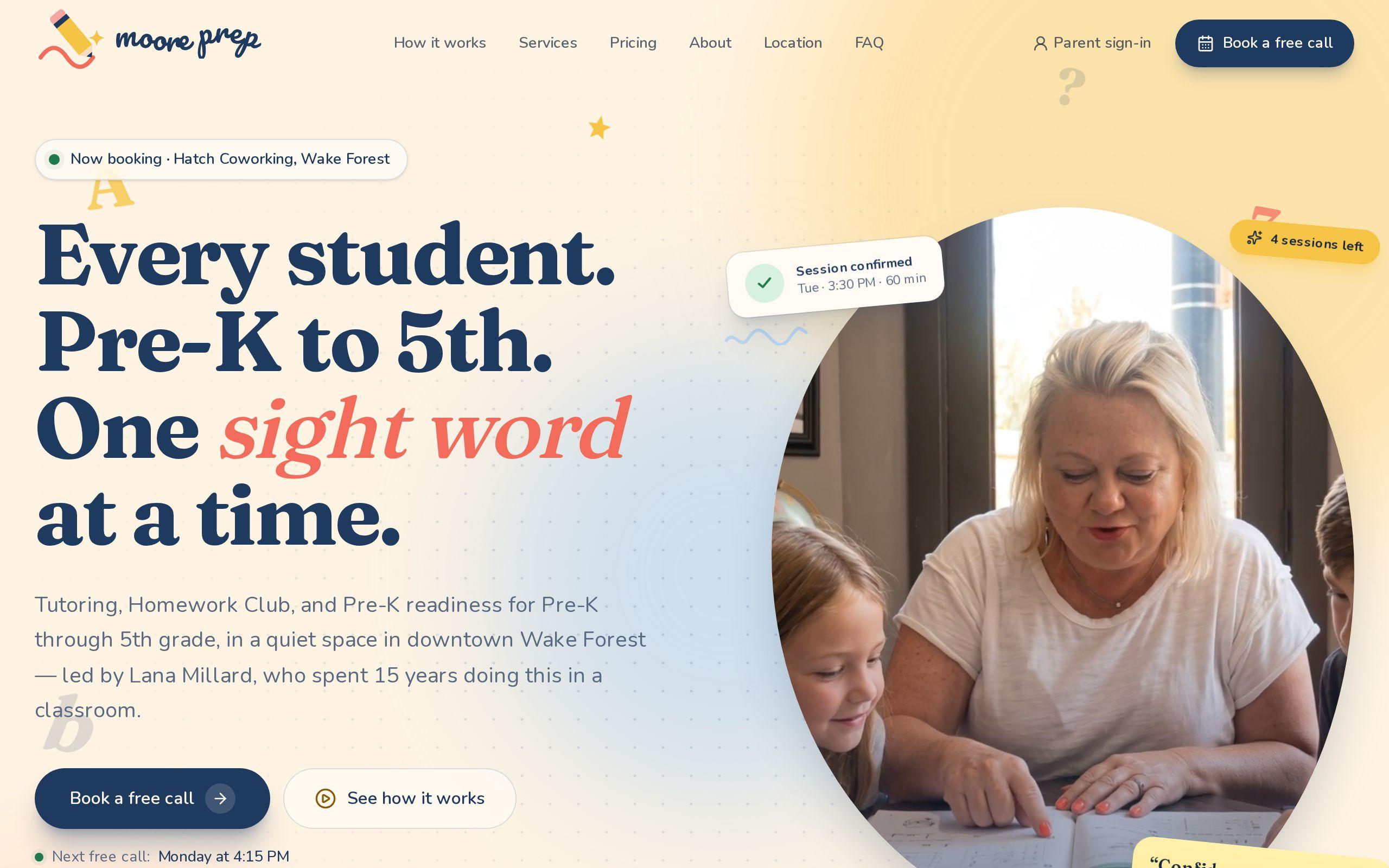
Moore Prep, a one-teacher tutoring practice in Wake Forest, publishes plain per-session prices and bundles. Families buy sessions up front, and siblings share one bundle. The prices sit right on the page, so no parent has to ask what something costs.
Pick the model that matches how your customers already behave. Then put the prices where they can see them.
Pick a processor and know what it handles for you
You need a payment processor. Stripe is the one we build with, and it is the one Moore Prep uses for card payments.
A good processor takes on the hardest parts. It handles the card details, so your site never stores a card number. It confirms whether the payment went through. It gives the customer a receipt.
What it does not do is run your business. It does not know that a customer bought a bundle of sessions, or that one of those sessions was cancelled yesterday. That part is yours, and it is the part most small businesses skip.
Open an account, connect your bank, and keep the account in your own name. You should own the relationship with your processor, not your web developer.
Should payment come before or after the first conversation?
This one is a real choice, and it depends less than you think.
If your service is personal, talk first. Moore Prep makes a free 15-minute call the only way in. Parents are trusting a stranger with a struggling child, so nobody pays for anything before a conversation. The call is booked from the teacher's real availability, with the next open time shown under the button.
If your service is standard and the customer already knows what they want, take payment first. A fixed-price cleaning or a set-fee consultation does not need a chat to justify itself.
The test is simple. Would a customer be annoyed to pay before talking? If yes, talk first. If no, let them pay.
Write the refund and cancellation rule first
Do this before you build anything. Your checkout will enforce whatever rule you give it, so the rule had better exist.
Keep it to one sentence. Moore Prep's reads: cancel 24 hours ahead and the session goes back on the account automatically. A customer reads it once and knows exactly where they stand.
Cover three things:
- When can a customer cancel for free?
- What happens to the money or the session when they do?
- What happens when they miss the window?
Put the sentence next to the price, not buried in terms and conditions. Disputes shrink when the rule is easy to find. You also stop deciding every awkward case from scratch.
Record every payment, booking and refund
This is the step that separates a checkout from a payment link.
Every event should be written down as its own entry: a purchase, a booking, a cancellation, a refund. Nothing gets edited or overwritten. If a session is cancelled, that is a new line, not an erased old one.
That is how Moore Prep works. Each family's sessions live on an append-only ledger, so purchases, bookings, cancellations and refunds always add up. Two approvals can never spend the same session, because the ledger shows it is already gone.
The payoff is practical. When a parent asks how many sessions are left, the answer is a lookup, not an investigation. When tax time comes, the record already exists. Moore Prep even produces a year statement for taxes and benefits accounts.
If you track this in a spreadsheet today, the question is not whether it breaks. It is when.
Test the checkout on a phone first
Most of your customers will pay from a phone, probably while doing something else. So test it there.
Before anyone real touches it:
- Run a real purchase on your own phone, start to finish.
- Try a cancellation and a refund, and check the record afterward.
- Pay with a card that fails, and see what the customer is told.
- Read every message as if you were a nervous first-time customer.
- Check the receipt arrives and says what was bought.
Fix the small stuff. A button that is hard to tap or an unclear error costs you a sale and you never hear about it. Customers rarely complain about a checkout. They just leave.
What does a custom build add over a plugin?
A plugin gets you a pay button. For many businesses that is enough, and we will say so.
A custom build earns its keep when the payment has to connect to something. Bookings. Approvals. A customer account. A rule that gives a session back automatically. That is the Moore Prep setup: an approved family signs an agreement, buys sessions by card, and requests times that the teacher confirms. Payment, scheduling and records all talk to each other.
A plugin usually handles the first step and leaves you to stitch the rest together by hand. If the stitching is what you are trying to escape, that is your answer. Our custom web development work covers exactly this kind of build, and the Moore Prep case study shows the full picture.
Your next step this week
Take ten minutes and write two things on one page. First, what a customer buys, with the price. Second, your cancellation rule, in one sentence.
Those two sentences are the whole brief for a checkout. If you would like a second opinion on them, tell us what you sell and we will tell you honestly whether you need a build or just a better link.