
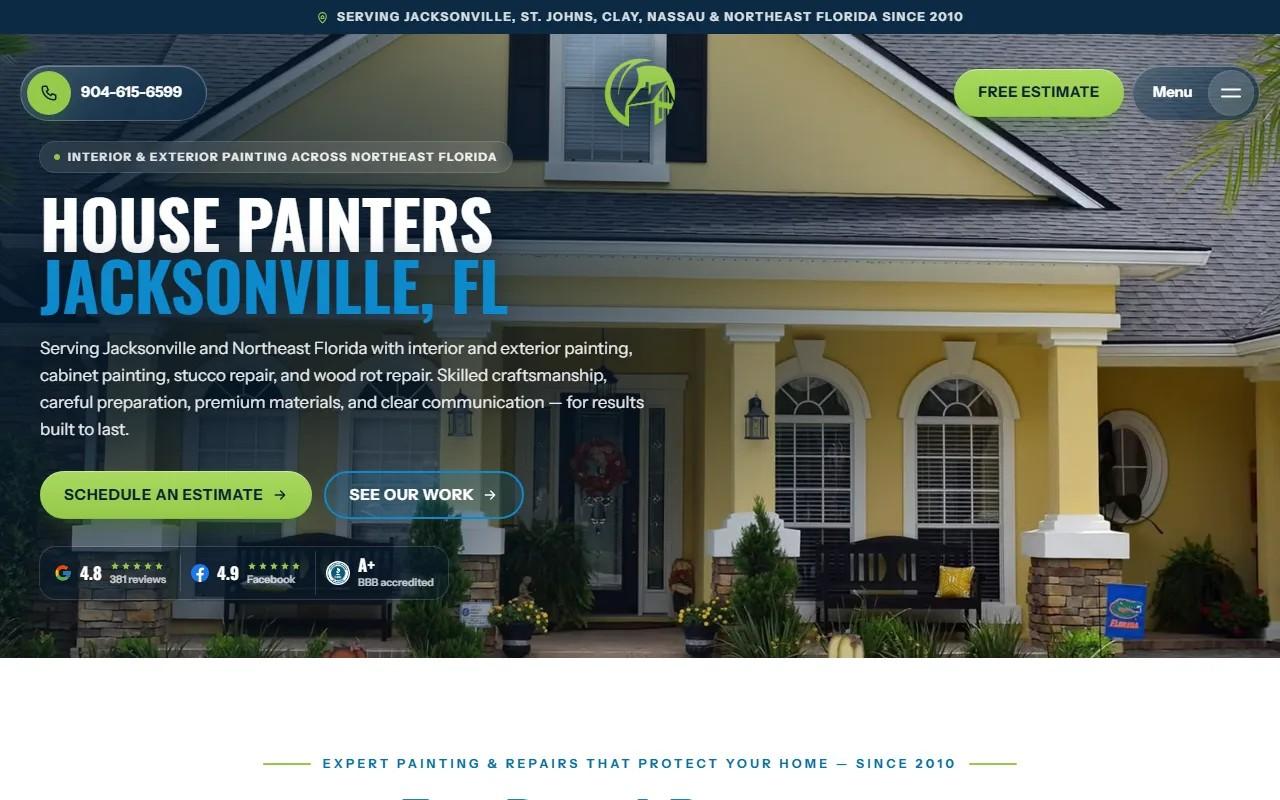
Most contractor websites are brochures. They look fine, and nobody on the team can touch them without calling someone.
The A New Leaf Painting build went the other way. Beside the public site, we built an office behind it. This post is about one part of that: the separate sign-ins for the office and the crew, and the tools those sign-ins open.
If you run a crew in Raleigh or anywhere in the Triangle, the questions are the same ones Thomas Drake faced in Jacksonville.
Why does a contractor website need a back office at all?
Because the site is not finished the day it launches.
A New Leaf has painted homes and businesses across Jacksonville and Northeast Florida since 2010. The site carries hundreds of blog posts and paint guides, video stories from customers, a page for nearly every town the crews work in, and finished-job pages with photos. That is a lot of living content.
Someone has to edit it. Someone has to handle the estimate requests that come in. Someone has to price jobs and manage photos.
Without a back office, every one of those tasks becomes an email to a developer. With one, the owner does them himself, on his schedule.
Who needs to see what: the office versus the crew?
Not everyone in a painting company needs the same view of the business.
The office handles the website, the incoming requests and the pricing. The crew is out on jobs. Those are different days with different needs.
Giving everyone the same access sounds friendly. In practice it is a risk. A page edited by the wrong person. A screen full of things a crew member never needs. A tool that was built for one role and confuses another.
The better answer is plain: show each person their part and nothing else.
How do separate sign-ins keep each person in their own part?
A New Leaf's back office has sign-ins for the office and for the crew. Each one sees only its part.
That sentence is short, but it is a design decision, not a feature checkbox. It means:
- The office signs in and finds the tools the office uses.
- The crew signs in and finds only what belongs to the crew.
- Neither has to wade through the other's screens.
Nobody has to remember what not to touch. The system already decided.
If you are planning something similar, this is the thing to settle first. List the people who will sign in, then list what each one actually needs. The permissions follow from that list.
Why does the leads inbox store a request before passing it on?
An estimate request is the most valuable thing your website produces.
On this site, booking is one form. A homeowner takes one of Thomas's real open times or asks for a call. The request lands in the follow-up system his office already ran.
Between the form and that system sits a leads inbox. It stores each request before passing it on.
The reason is simple. If the request is saved first, it exists no matter what happens next. The follow-up system can be slow, or down, or changed next year, and the homeowner's request is still on file where the office can see it.
A form that only forwards is a form that can quietly lose business. You would never know.
What does a page builder with every version kept change for the owner?
It changes how nervous he is.
Thomas can edit any page himself in the page builder. Every version is kept. That second sentence matters more than the first.
Editing a live page on a site with hundreds of pages is a little scary. A wrong sentence on a town page. A deleted paragraph. A change that looked right and was not.
When every version is kept, a mistake is a minor event. You go back to the version that worked. Nobody has to call a developer, and nobody has to remember what the page used to say.
This is also how a site stays alive. Owners who are afraid to touch their pages stop touching them. Pages go stale.
How did the job pricer move from his own tool to a screen?
Thomas already had a job pricer. It was his own tool, built around how he prices work.
We did not ask him to abandon it. We rebuilt it as a screen in the back office.
That is a pattern worth copying. A contractor's pricing method is hard-won. It is part of how the company makes money. The right move is to keep the method and change where it lives, so it sits beside the rest of the office instead of off on its own.
If you have a spreadsheet or a homegrown tool you trust, say so at the start of a project. It may be the best thing in the brief.
What does the media library do for finished-job photos?
The site gives finished jobs their own pages. Each shows what the crew found, the prep and repairs, the products and colors, the result in photos and the HOA approval details neighbors ask about.
That is a lot of photography. About five hundred past jobs are also plotted on a map of Northeast Florida.
A media library gives all those images one home in the office. Photos are not scattered across inboxes, phones and folders. They live in one place, and the office can reach them when a job page needs them.
For a trade where the proof is in the picture, that is not a small thing.
What would you ask for first if you are planning something similar?
Start with people, not features.
- Who signs in? Name the office roles and the crew roles.
- What does each see? Write it down, even if it is a short list.
- Which requests can never be lost? Estimate requests, almost always. Ask that they are stored before anything else happens.
- Which pages will you edit yourself? Ask for every version to be kept.
- Which tools do you already trust? Bring them in. Do not start over.
That list is a real brief. It will shape the build far more than a color palette will.
You can see the full project, including the site itself, on the A New Leaf Painting case study. If you want to understand how builds like this work, our custom web development page is the place to start. And if you are a contractor weighing this kind of build, see how we think about contractor website design.
Your next step
Before you talk to anyone about a new site, write two short lists: what your office needs to see, and what your crew needs to see. Bring them to the first call. If you want a second set of eyes on them, get started here.