
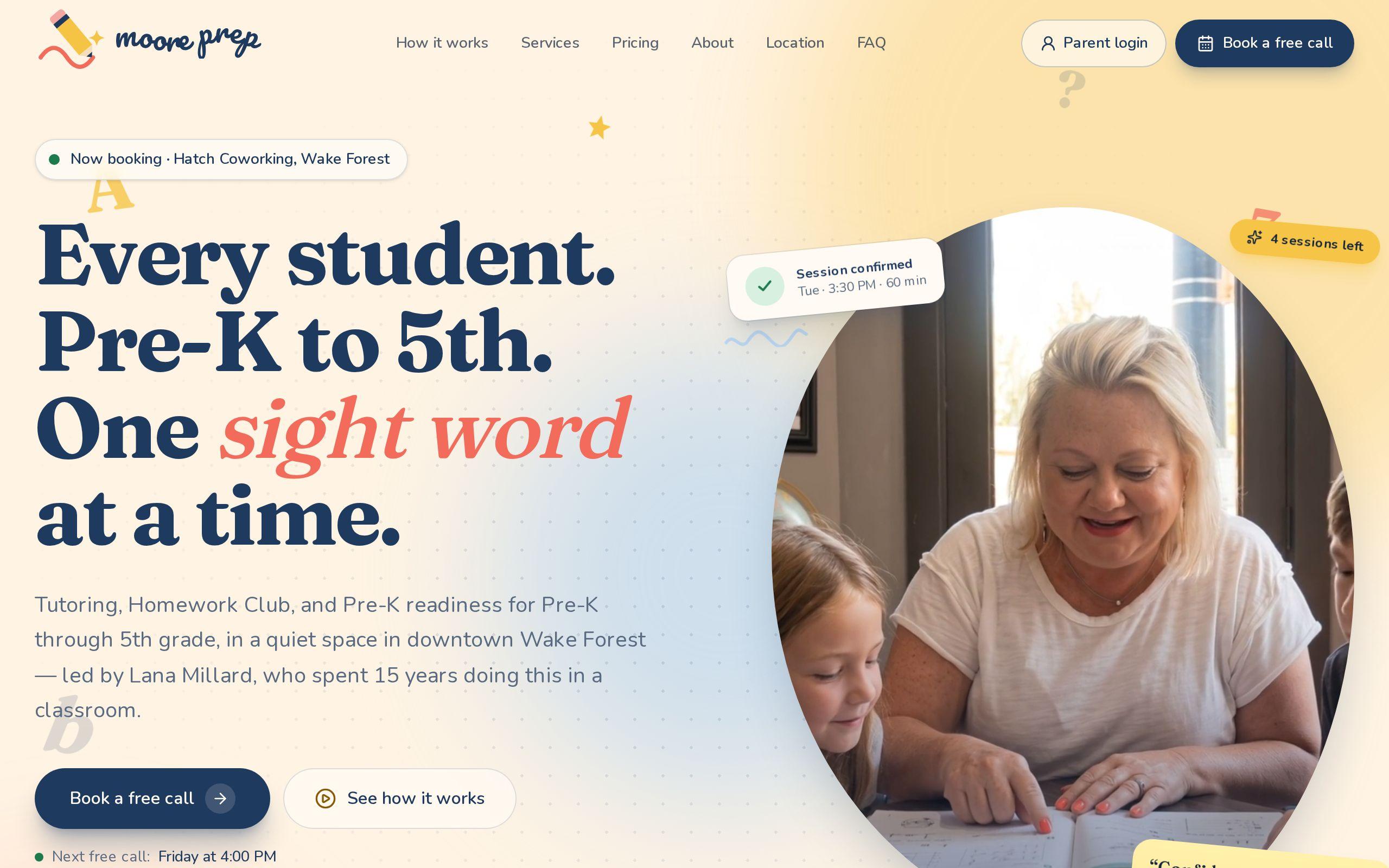
Most tutoring websites are brochures. The interesting part of Moore Prep is the part a parent never sees.
Behind the site is a working system for one teacher, Lana Millard. If you run a practice by yourself and you are shopping for tutoring business management software for a solo tutor, this is a look at what that system does and why we built it the way we did.
Why does a one-teacher practice need software built for one teacher?
Because the off-the-shelf options assume a business that is not yours.
The first draft of the Moore Prep site made this mistake. It read like a small private school, with six programs, a tour scheduler, and classroom imagery. It described a business that did not exist.
Moore Prep is one educator working with children in a small room at Hatch Coworking in downtown Wake Forest. We rewrote the site around three services: Tutoring, Homework Club, and Pre-K Readiness. The system behind it got the same treatment. Every screen exists because one person needs it on a Tuesday afternoon.
What were four separate tools costing her?
Before this build, Lana's practice ran on a booking app, a payment link, a spreadsheet, and a text thread.
Each tool was fine alone. Together they were a part-time job.
- The booking app knew when a child was coming, but not whether the family had paid.
- The payment link knew a card was charged, but not which sessions it covered.
- The spreadsheet tried to reconcile the two, and only by hand.
- The text thread held every cancellation, reschedule, and "can we move Thursday?"
None of them agreed with the others. The teacher was the glue, and glue gets tired.
Why does every session sit on a ledger instead of a counter?
A counter says "4 sessions left." A ledger says why.
At Moore Prep, every family's sessions live on an append-only ledger. Nothing is edited or overwritten. A purchase adds sessions. A booking spends one. A cancellation puts one back. A refund takes some out. Each is a new line, never a change to an old one.
That design is dull on purpose. When a parent asks, "I thought we had one more," Lana can see the full history instead of guessing. Mistakes become visible lines, not silent edits.
It also settles a nasty edge case. Two approvals can never spend the same session, because the ledger will not let the second one through.
How do purchases, bookings, cancellations, and refunds always add up?
Because they all write to the same place.
Here is the flow for a family:
- An approved family signs the parent agreement in the portal.
- They buy sessions by card through Stripe, and the purchase lands on the ledger.
- They request times, and Lana confirms them. Each confirmed booking spends a session.
- If they cancel at least 24 hours ahead, the session goes back on the account automatically.
- If a refund is owed, it is recorded as its own entry.
The cancellation rule is published in one sentence on the site, and the system enforces it without anyone sending an awkward text. No chasing, no "just this once" negotiations at 9 p.m.
How do siblings share one bundle without confusing the books?
Two kids, one household, one payment. The books should look the same way.
At Moore Prep, siblings share a single bundle. A family buys sessions once, and any child in that family can use them. Each booking still records which child attended, so goals and notes stay with the right kid.
Per-child accounts sound tidy and fall apart the first time one sibling is sick and the other has a free afternoon. A shared bundle on a single ledger means the money question and the child question stay separate. The ledger answers the first. The child's record answers the second.
What does a phone-first Today screen show between sessions?
Lana works with children in a small room. She is not sitting at a desk with three monitors.
So the back office is built for a phone first. The sections match her actual day:
- Today, the sessions on deck and who is coming
- Calendar, her real availability
- Requests, times families want her to confirm
- Payments, what has come in
- Waitlist, families waiting for an opening
- Messages, everything that used to live in the text thread
Between one child leaving and the next arriving, she can confirm a request or check a payment with one thumb. That is the whole test. If a task needs a laptop, it will wait until tonight, and then it will wait until Sunday.
How does the session assistant draft notes home without taking over?
Notes home matter to parents. They are also the task most likely to be put off.
The session assistant takes notes Lana dictates or types after a session and turns them into a draft note home. The word that matters is draft. She edits it, and nothing goes to a family until she sends it.
That keeps the voice hers and the judgment hers. The assistant handles the blank page. She handles what is true about that child that day.
Each child also has goals, notes home, and a progress report that a family can share with a classroom teacher by private link. At tax time there is a year statement for taxes and benefits accounts, so families do not have to ask for one.
What should you ask for before commissioning software for your own practice?
You do not need to know how to build it. You need good questions.
- "What happens when a family cancels?" If the answer involves you doing arithmetic, keep looking.
- "Can two things spend the same session?" The answer should be no, and the reason should be structural.
- "Can I see the history behind any balance?"
- "How do siblings work?"
- "Will I use it on my phone, between sessions?"
- "Does anything go to a parent before I approve it?"
Also ask whether the site and the system were designed together. At Moore Prep, the free 15-minute call is the only way in, and the plain prices and cancellation rule on the site match what the system actually enforces. That is not a coincidence.
Where to go from here
Read the full Moore Prep case study to see the public side of the build. If you run a tutoring practice and want to see how we approach tutoring website design, start there. The back-office work falls under our custom web development services.
Then try this: write down every tool you use to run one family's sessions, from first call to year-end. If the list has more than two entries, that is the conversation to start at /get-started.