
Every January, a parent somewhere in the Triangle opens their email and searches for a tutor's name. They are looking for payment receipts. They find some. They are not sure they found all of them.
Then they email the tutor: "Can you tell me what we paid you last year?"
That question is the whole subject of this post. We built an answer into the Moore Prep parent portal, and the way it works says a lot about how a one-person practice should keep its books.
Why do parents ask a tutor for a year-end statement?
Because they need a number, and the tutor is the only one who has the full picture.
Families use tutoring totals for different reasons. Some keep their own household records. Some have benefits accounts that ask for documentation. Some just want to know whether they spent what they thought they spent.
A card receipt tells a parent about one charge. It does not tell them how many sessions were used, how many went back on the account, or whether a refund landed.
Most solo tutors answer this by digging. Payment emails, a spreadsheet, a text thread. It works, once, slowly. It does not scale to twenty families asking in the same week.
What the Moore Prep brief asked the portal to do
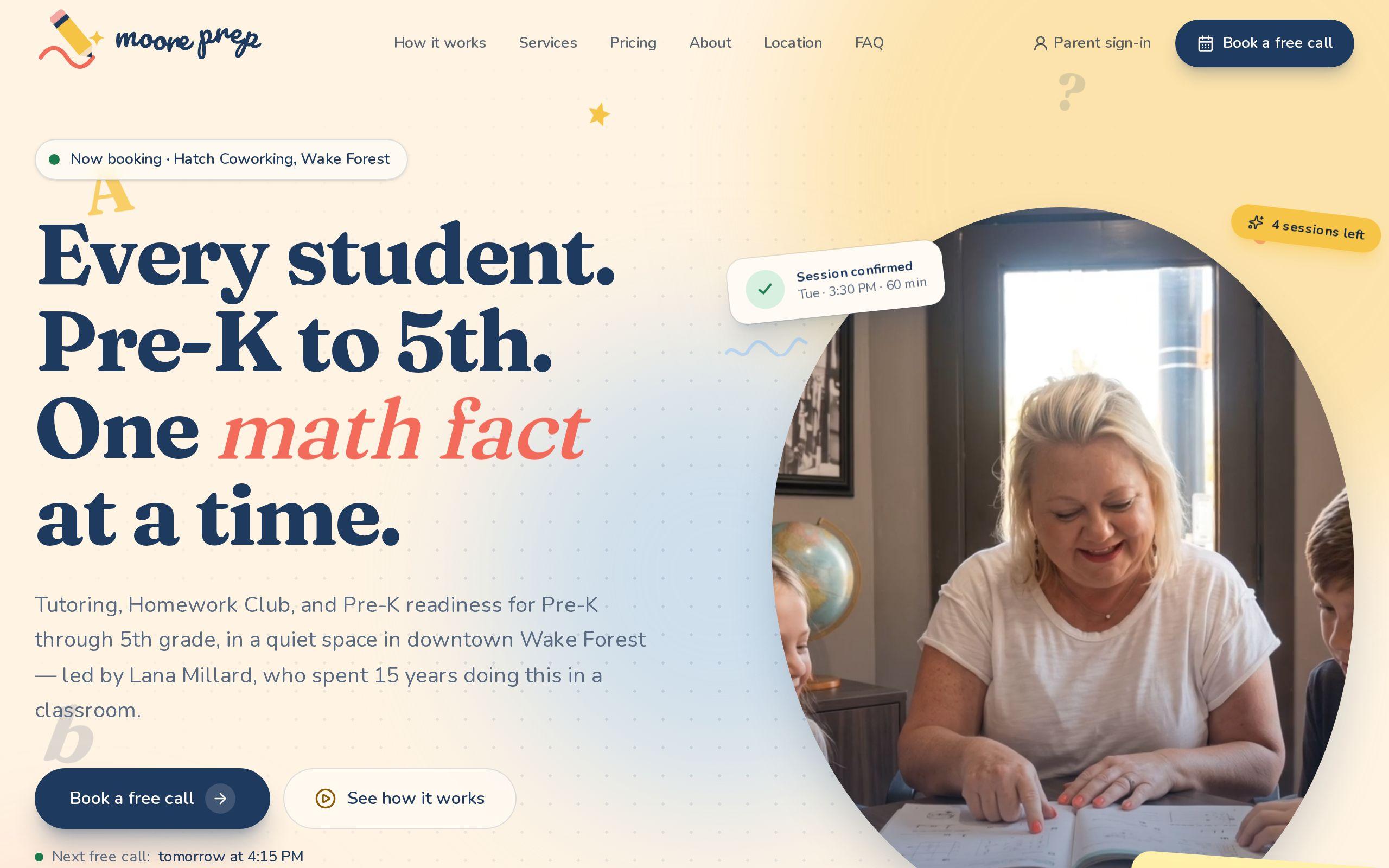
Moore Prep is one educator, Lana Millard, working with children in a small room at Hatch Coworking in downtown Wake Forest. The brief was to build the site and the system behind it around exactly that, not around a bigger business that did not exist.
Behind the quiet public site, Lana handles scheduling, payments, cancellations, reminders, and notes home. In many practices that work is spread across a booking app, a payment link, a spreadsheet, and a text thread.
So the parent portal had a plain job. An approved family signs the parent agreement, buys sessions by card through Stripe, and requests times that Lana confirms. Siblings share one bundle. Every family's sessions live on an append-only ledger. And at the end of the year, the family gets a statement.
The statement was not an afterthought. It falls out of the other decisions.
How siblings share one bundle without anyone losing track
A family with two kids in tutoring does not think of two accounts. They think of one budget.
So the portal gives them one bundle. Either child can use a session from it. The parent buys once, and the sessions are spent as the children book.
Separate balances per child sound tidy, but they go wrong in ordinary ways:
- A parent buys for the older child, then the younger one needs a session.
- Someone has to move a credit from one child to the other by hand.
- At year-end, the totals for each child need explaining.
One shared bundle removes all three. The question "who used what" is still answerable, because each session is tied to a child. The question "what is left" has one answer.
Why every session lives on an append-only ledger
Append-only means new lines get added and old lines never get edited or deleted.
A purchase is a line. A booking is a line. A cancellation is a line. A refund is a line. If something changes, the change is a new entry that points back at what it changes.
Why work this way? Two reasons.
It always adds up. Purchases, bookings, cancellations, and refunds all sit in one running record, so the balance is a sum of what happened, not a number someone typed.
It protects against double-spending. Because of the ledger, two approvals can never spend the same session. If Lana confirms one request, the session is spent. A second request cannot claim it.
Anyone who has fixed a spreadsheet by overwriting a cell knows the alternative. Nobody can say later what the cell used to say.
What happens when a family cancels 24 hours ahead
The rule on the site fits in one sentence: cancel 24 hours ahead and the session goes back on the account automatically.
On the ledger, that is simple. The original booking stays exactly where it was. A new line records the cancellation and returns the session to the bundle.
Nobody has to message Lana to ask whether the credit came back. Lana does not have to remember to add it. The family can see it, and so can the year statement.
This is why we like stating the rule in one sentence and then making the system obey it. A policy that lives only in a tutor's memory gets applied inconsistently. A policy that lives in the ledger gets applied the same way every time.
How the year statement is built from the same ledger
The statement is not a separate document someone assembles in December. It is a view of the ledger for the calendar year.
That matters more than it sounds. When the statement and the books are two different things, they drift apart. When the statement is the books, read in a different order, it cannot disagree with them.
For a family, that means one place to get the year in a form they can hand to someone else. It is built for taxes and benefits accounts, and it comes from the same records that run the rest of the portal.
For Lana, it means that January is not a project.
What the statement does and does not promise about taxes and benefits accounts
Be careful here, and we were.
The statement reports what happened: what was purchased, what was used, what went back, what was refunded. That is a record. It is not advice.
Whether a family can use tutoring payments in a tax return, or get reimbursed from a benefits account, depends on their situation and the rules of their plan. Neither Forzur nor Moore Prep tells them yes or no. The statement gives them clean paperwork to take to the person who can.
If you build something similar, hold that line. A tutor is not a tax advisor. A good statement says what it shows and stops there.
What a solo tutor can copy this month, with or without custom software
You do not need a portal to borrow the thinking. You need a few habits.
- Keep one shared balance per family. If siblings tutor with you, give them one bundle and note which child used each session.
- Log events as new rows. Purchase, booking, cancellation, refund. One row each. Never overwrite a row; add a correcting one.
- Write the cancellation rule in one sentence and apply it the same way every time.
- Build the year summary from the log. Do not reconstruct it from email.
- Add a plain line of caution that the summary is a record, not tax or benefits advice.
A spreadsheet can carry this for a small practice. When the volume or the mistakes start costing you evenings, that is the point where custom web development earns its keep. If you run a practice and want to see how we think about the public side too, our page on tutoring website design is the place to start.
Your next step
Open last year's payment emails and try to total one family's year. Time yourself. If it takes more than a few minutes, or you are not sure you got everything, you have your answer about what to fix first.
When you want a system that does that math for you, tell us about your practice.